
APPISI
- Payment received
Thank you—
your store and 300 Mini Apps are ready.
your store and 300 Mini Apps are ready.
Your 300 mini apps, six collection downloads, commercial resell rights and ready-made Mindset website are in your customer library.
Open your 300 Mini Apps Library →
Open your 300 Mini Apps Library →
- ACCESS YOUR CUSTOMER DOWNLOAD PORTAL
1
First time purchasing from Appisi? Check your checkout email for the account setup link. Check spam or promotions if needed.
2
Create your password using the account setup email. Already have an account? Use your existing password.
3
Sign in with your checkout email and select “Open all six downloads” in your library. Each category ZIP contains 50 apps. Download the Growth Edit Mindset storefront separately from the same dashboard.
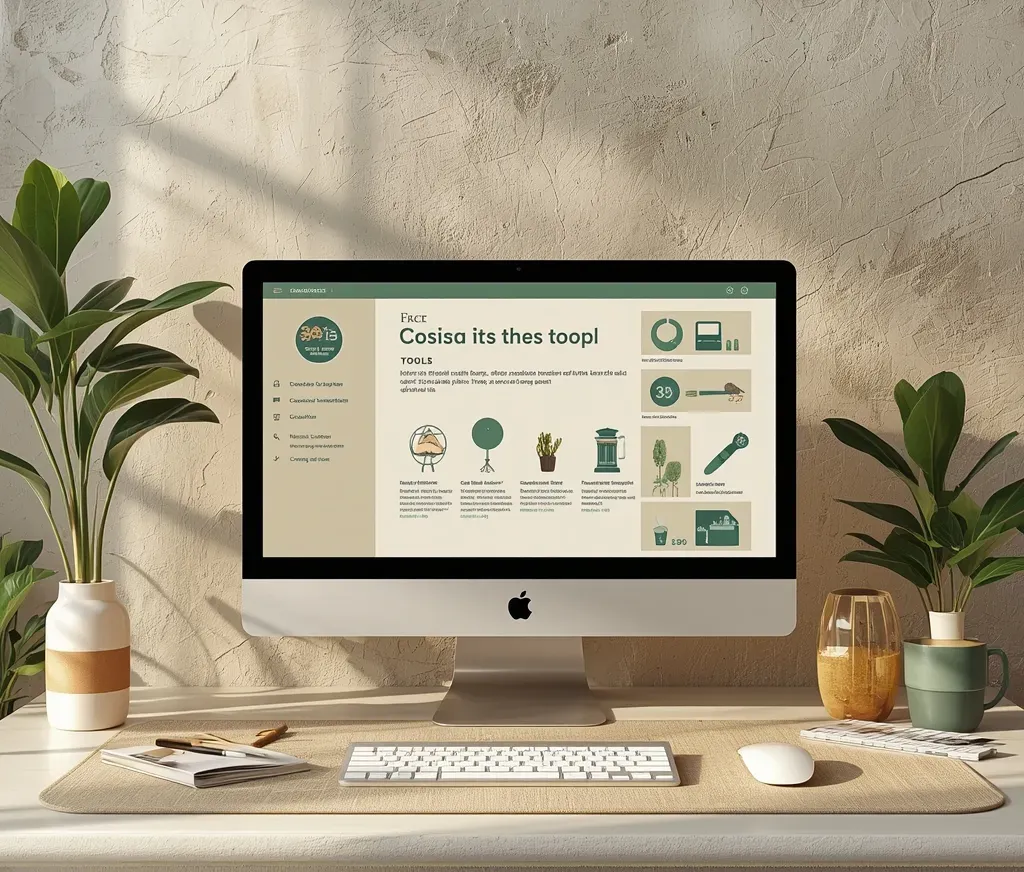
YOUR NEXT STEPS
Make it yours.
Get ready to sell.
Get ready to sell.
1
Download your store and apps.
Open your customer portal and download the storefront source, Mini App collections, artwork and setup instructions. Keep your access email so you can return anytime.
2
Personalize your brand.
Follow the included guide to install the store in your own Systeme.io account. Update your business details, personalize the supplied source files and choose your product prices.
3
Connect, test and publish.
Connect your checkout links, payment account and delivery emails. Test your apps and customer purchase journey, then publish your store and begin marketing your offers.
Order details
Product
Price
Your receipt is sent to your purchase email.
Need help accessing your package?
Missing your setup or access email? Check spam or promotions, then contact support@appisi.com using your checkout email address.
Purchased the 1,000 Mini Apps upgrade?
Open your 1,000 Mini Apps Library →
Purchased the White-Label Software upgrade?
Open your White-Label Software →
Upgrade portals are available only for the upgrades you purchased. Use the same Appisi login for all your purchases.
© Appisi